AI Transcription
On-device speech-to-text in 90+ languages. Word-level timestamps, automatic punctuation, no upload.
Captio is the AI caption studio for short-form video. Drop a clip, get burn-in subtitles, translate to 50+ languages, and style with 170+ animated presets — all on your iPhone.
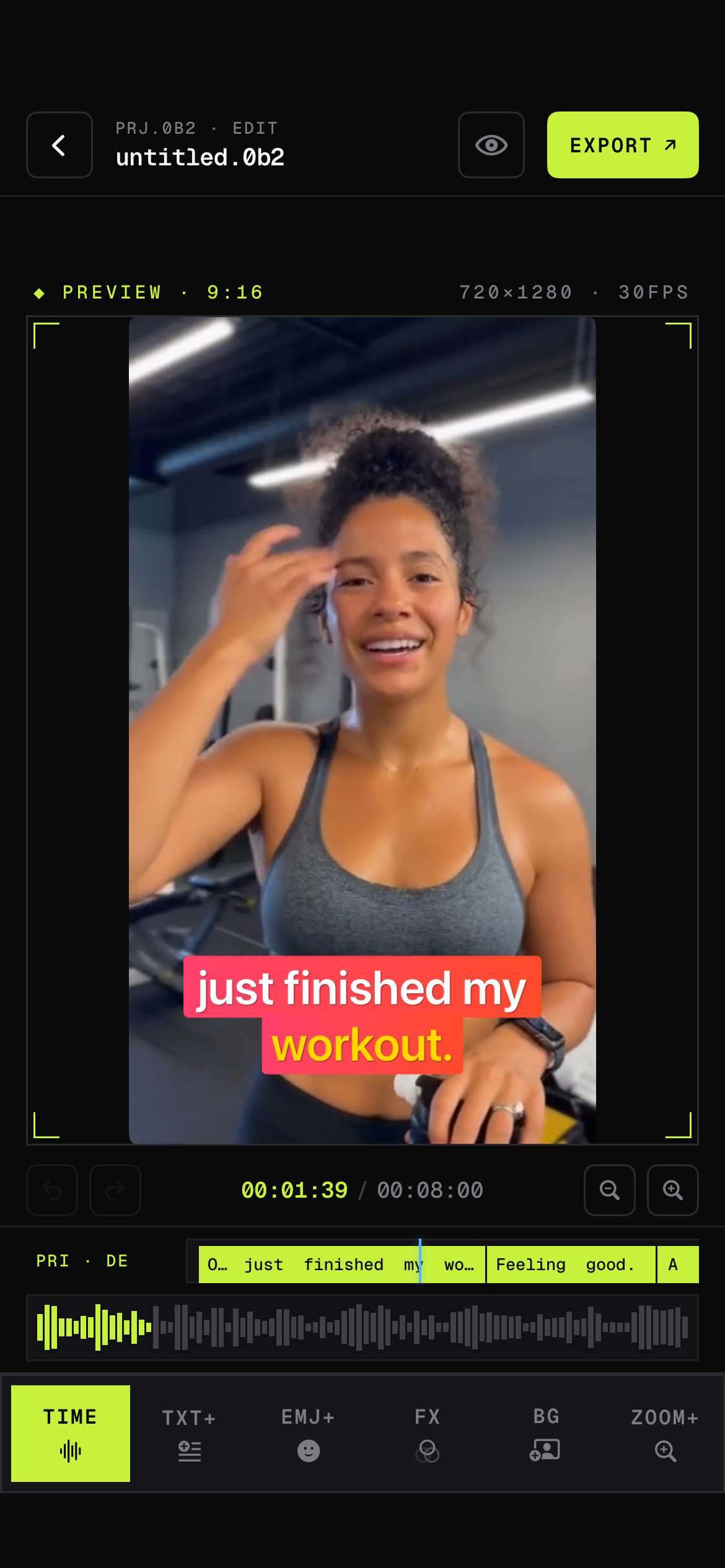
Built around the way short-form videos actually get made — fast loop, high output, zero desktop dependency.
On-device speech-to-text in 90+ languages. Word-level timestamps, automatic punctuation, no upload.
One tap to translate captions across 50+ languages. Stack multiple tracks for bilingual posts.
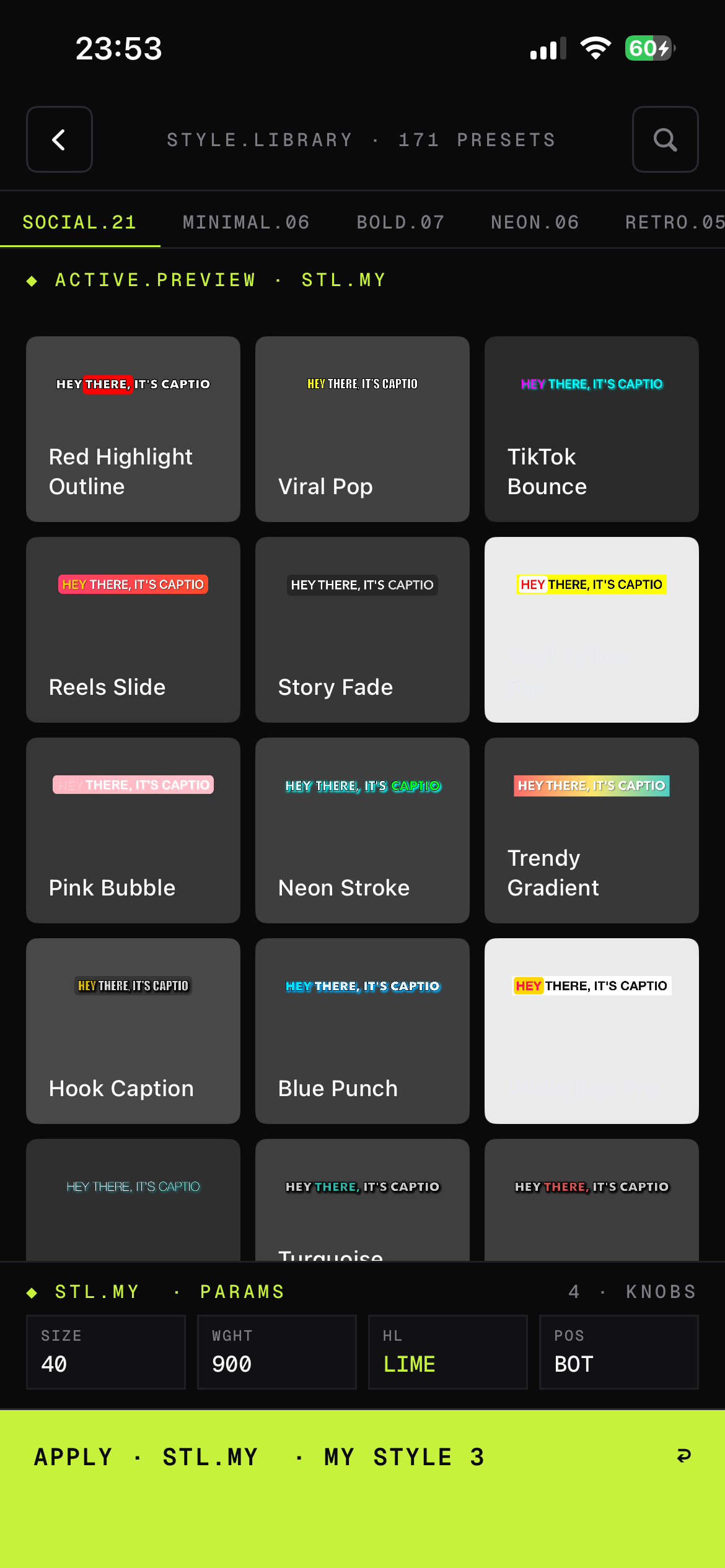
Curated libraries: Social, Minimal, Bold, Neon, Retro. Customize size, weight, highlight and position.
Slide, Pop, Fade, 3D Rotate, Spin, Unfold. Per-word reveal with rhythm-locked timing.
Re-voice your clip into another language with the same speaker cadence. Perfect lip-sync optional.
Render in 9:16, 1:1 or 16:9 up to 4K. Direct share to TikTok, Reels, Shorts and YouTube.
Captio is built around a tight studio loop — Library, Edit, Translate, Export. No menus to dig through.
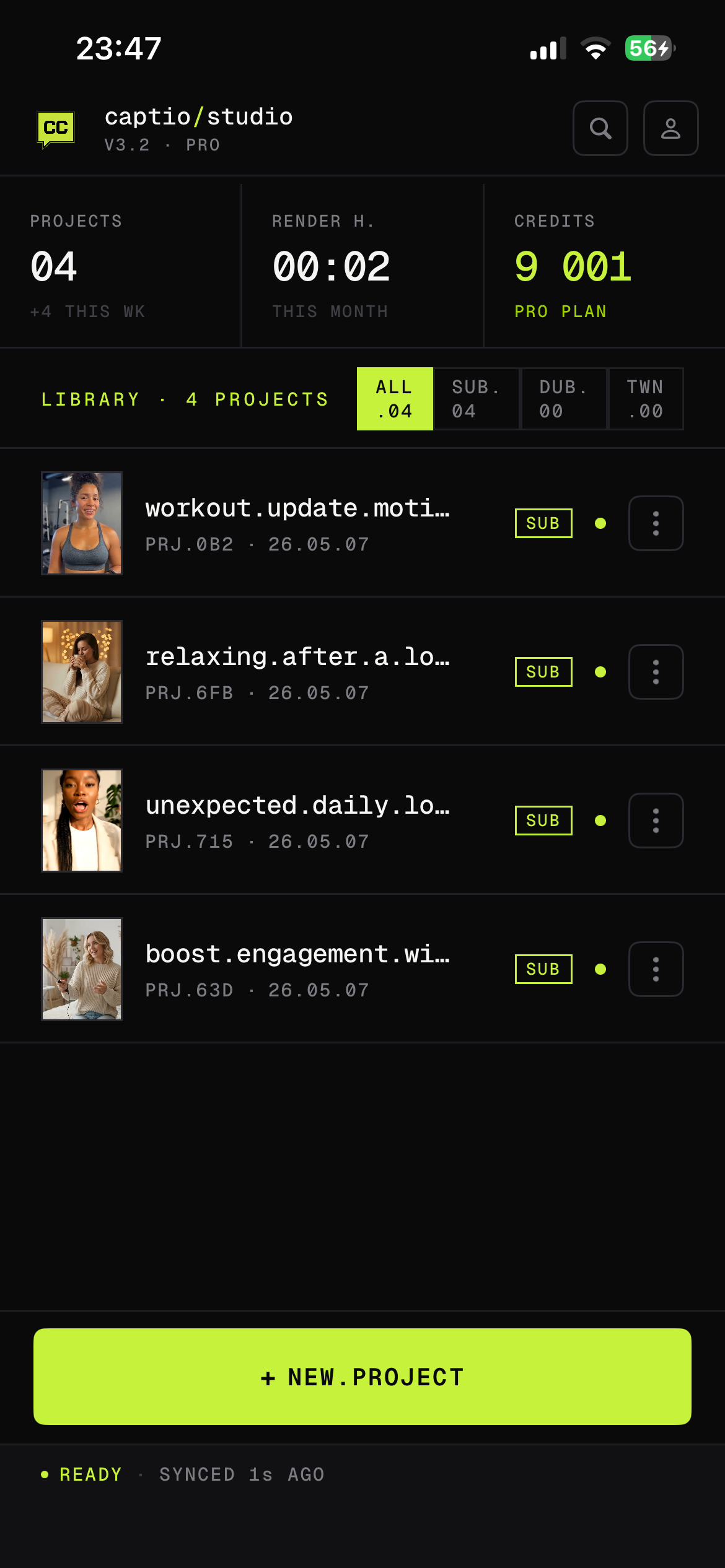
Track every clip, render and credit at a glance. Sync ready in seconds.
Browse Social, Minimal, Bold, Neon and Retro. Apply with one tap.
Tap a word, fix a frame. Caption editing without the rabbit hole.
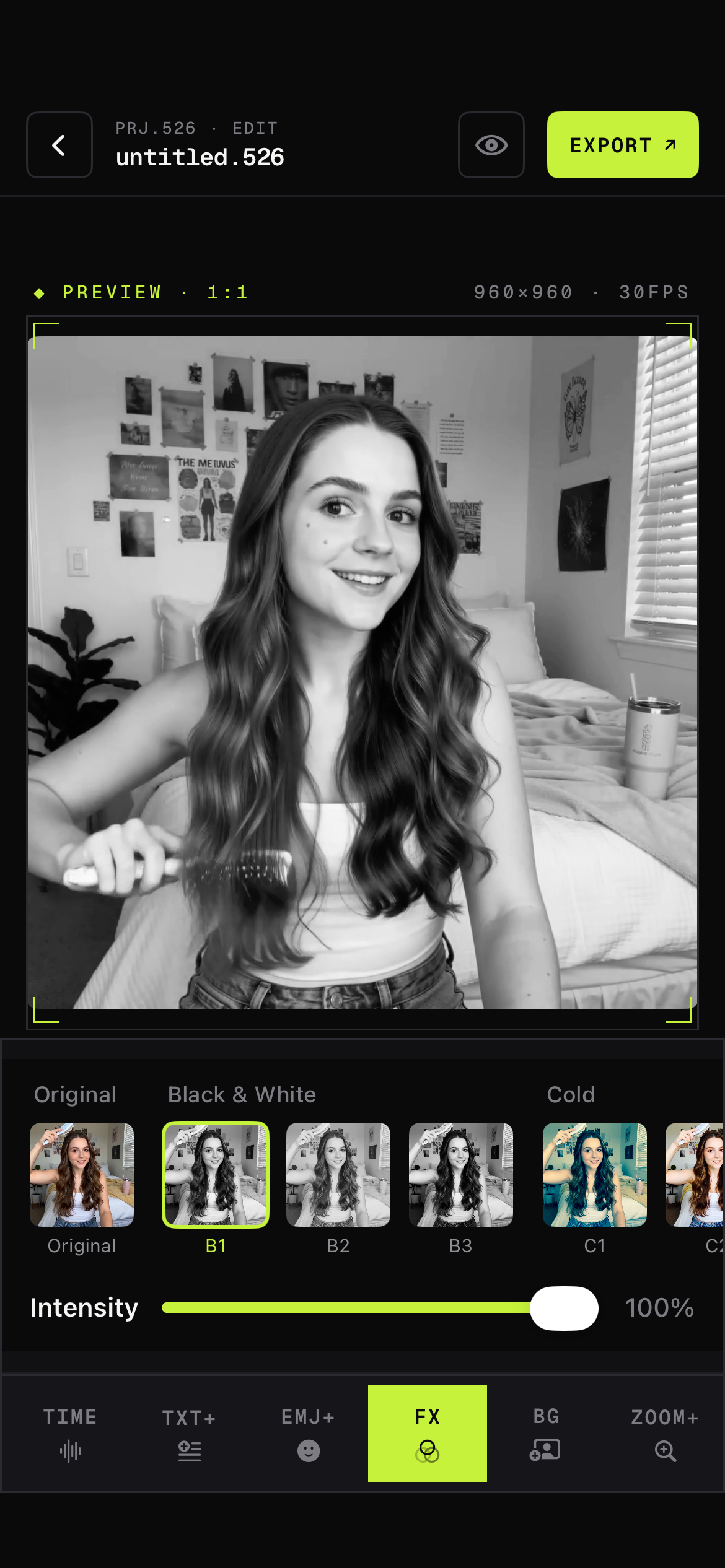
Black & White, Cold, Vintage. Adjust intensity with a single slider.
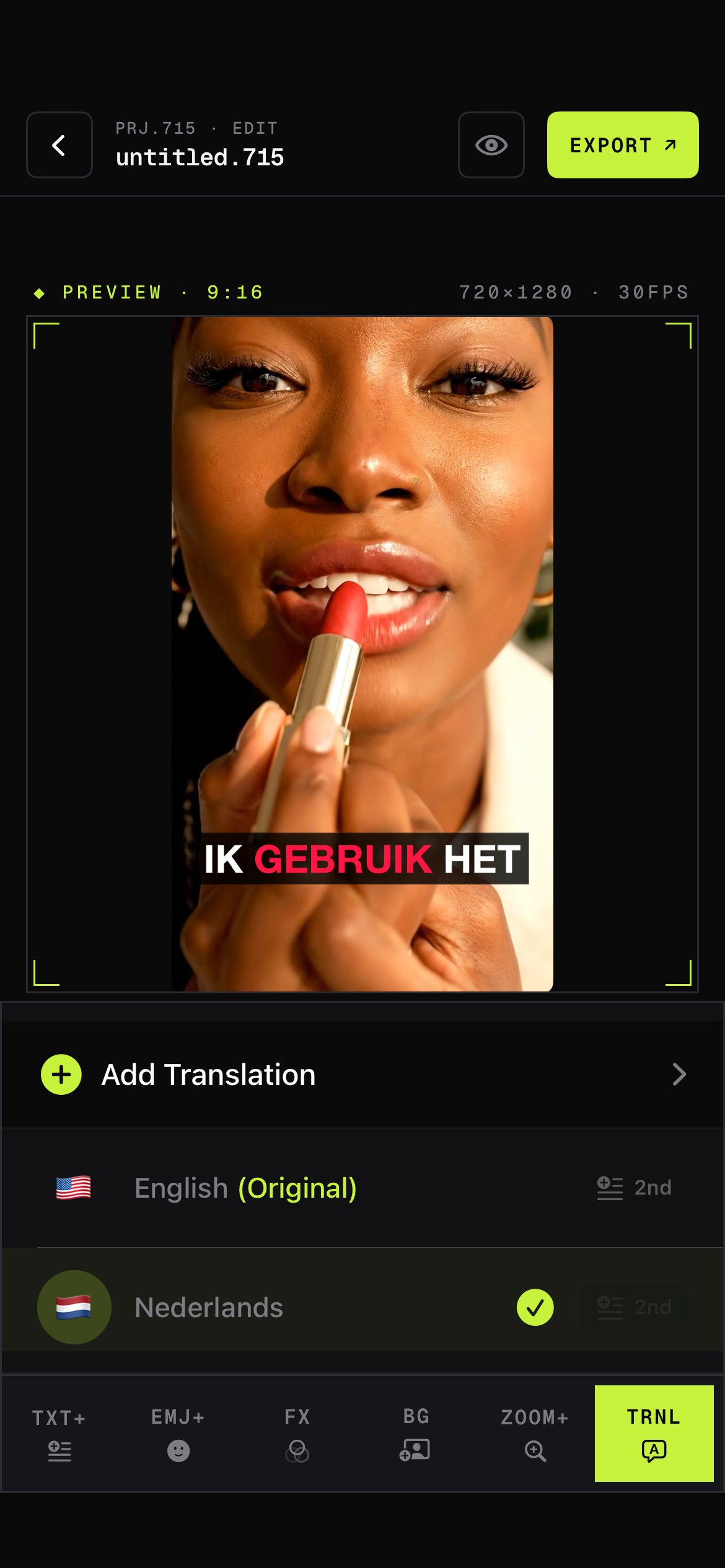
Layer English + Dutch + more. One render, every audience.
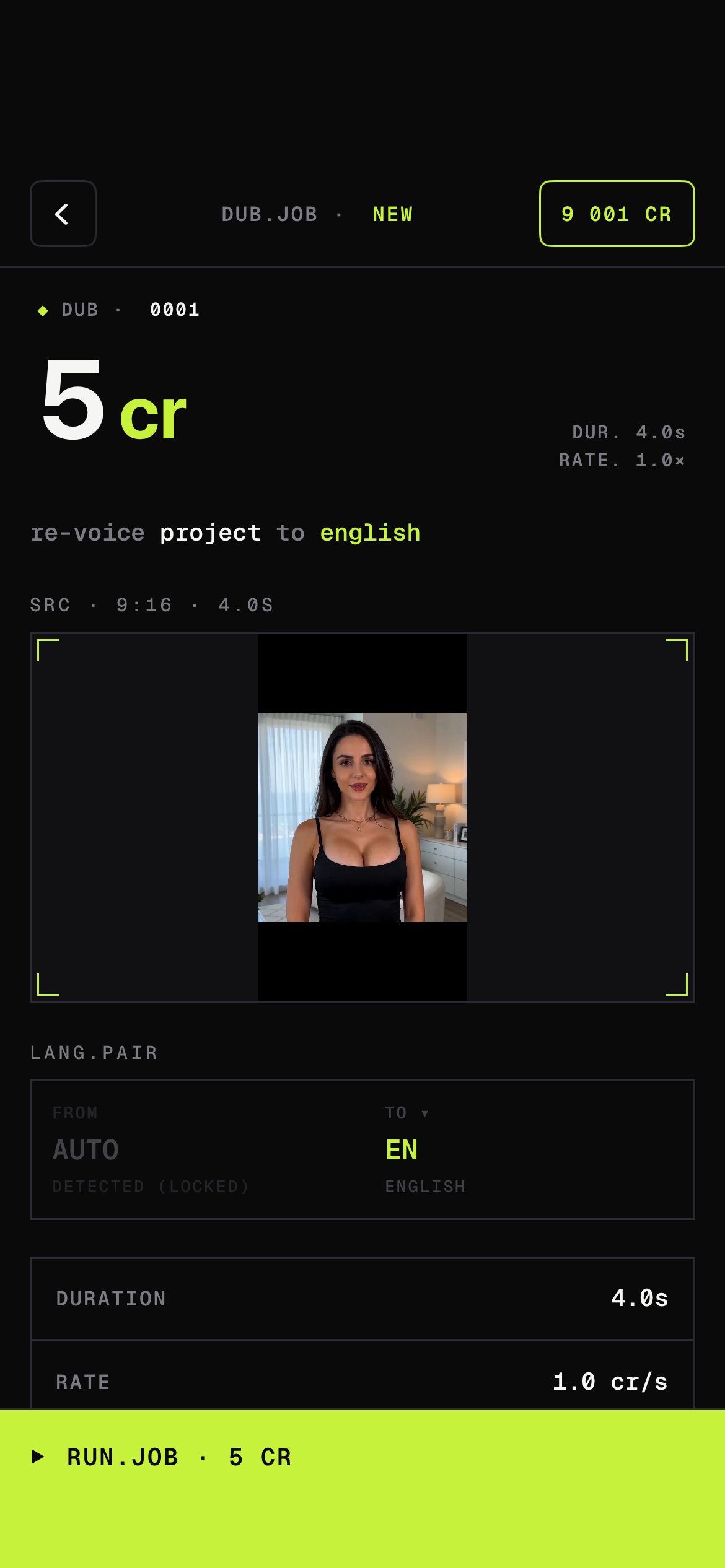
Convert your clip into another language with the same speaker cadence.
Hand-tuned by motion designers. Every preset locks to your audio, respects your colors, and exports clean.
AI transcription runs on-device for supported languages, so basic captioning works without a network. Translation and AI dubbing require a connection.
Captio transcribes 90+ languages and translates captions across 50+ languages, including English, Spanish, Portuguese, German, French, Dutch, Turkish, Arabic, Hindi, Japanese and Korean.
Captio is free to download with a generous free tier. Captio Pro unlocks unlimited exports, the full preset library, AI dubbing and 4K rendering.
Captio exports vertical 9:16 for TikTok, Reels and Shorts, square 1:1 and horizontal 16:9 for YouTube and X. All up to 4K.
Both. Burn-in is the default for social. You can also export an SRT/VTT subtitle file to keep tracks editable elsewhere.
Yes. Drop in a custom font, set your brand colors and save the look as your personal preset for one-tap reuse.
Free to download. Pro unlocks the full studio.